

Купить Desktop Overlays со скидкой 20% в Steam
Цена со скидкой 120 руб. вместо 150 руб. — регион Россия
Выход: 26 июл. 2026 г.
Разработчик: Kıraç Armağan Önal
Издатель: Kıraç Armağan Önal
Turn your desktop into your own thing. Drop images, GIFs, and videos anywhere on screen, pin them to the apps you actually use, add cursor effects, and run audio reactive HTML overlays. Made for Windows, with full Steam Workshop support.
Скриншоты


Об игре
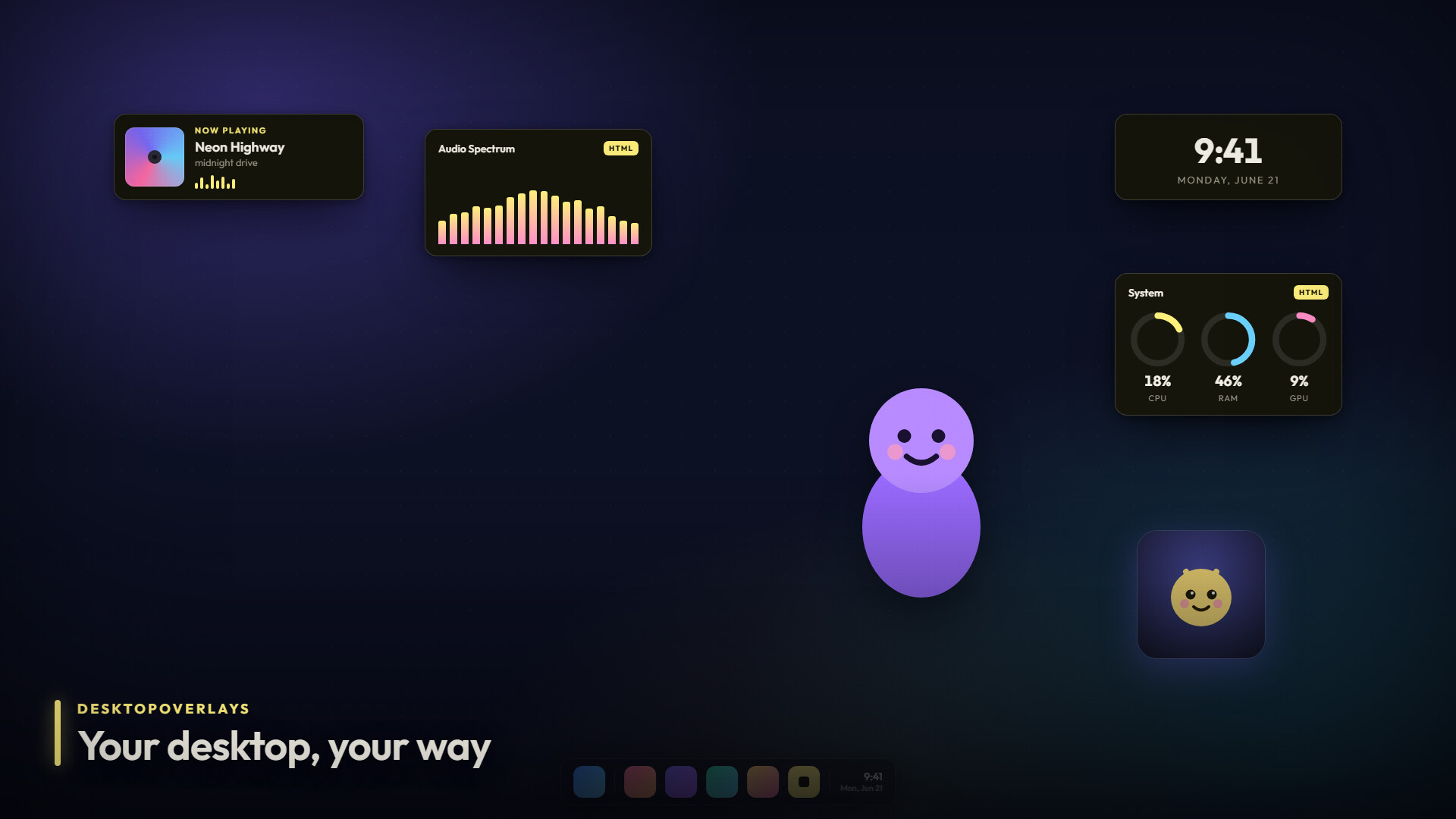
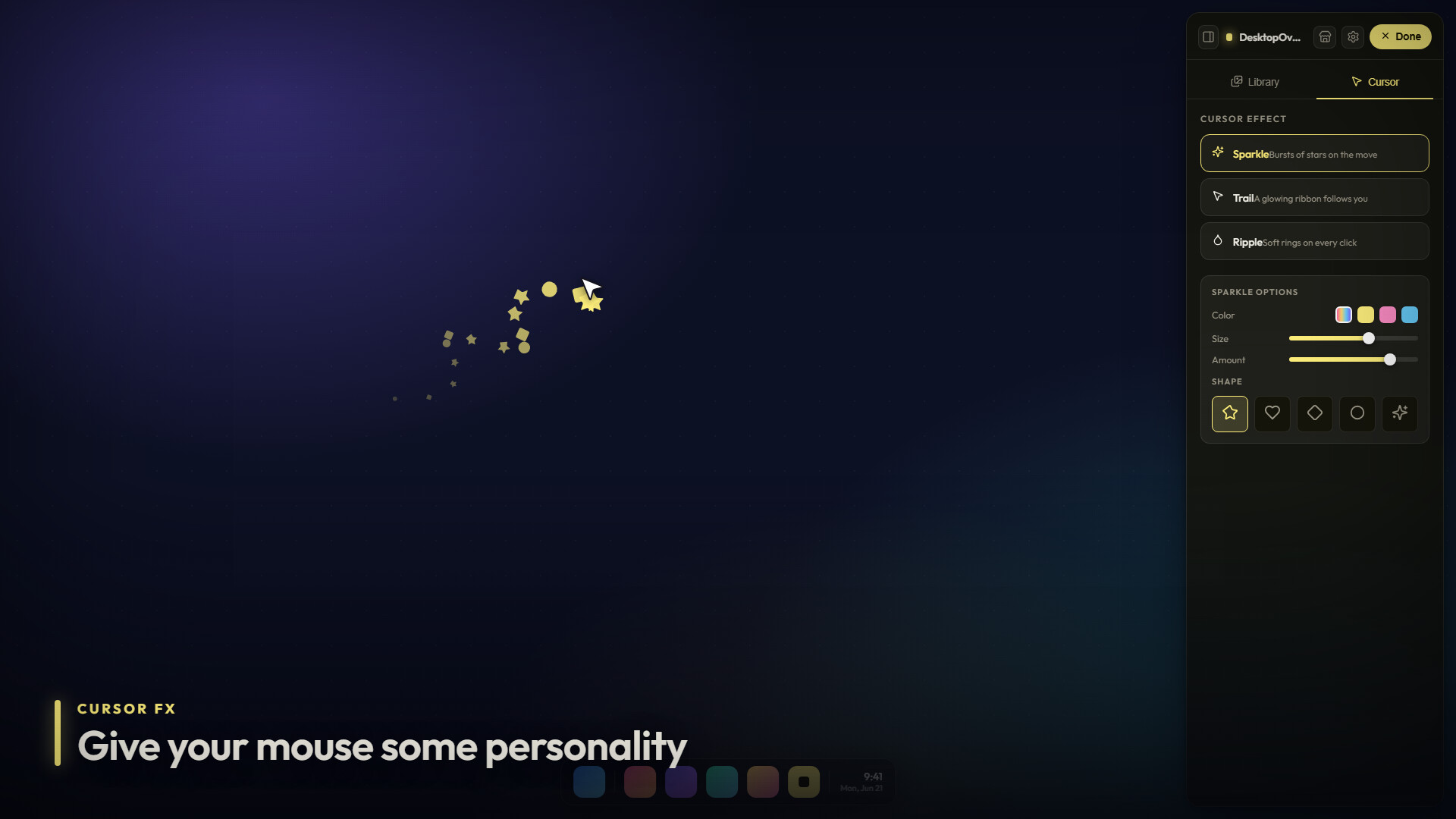
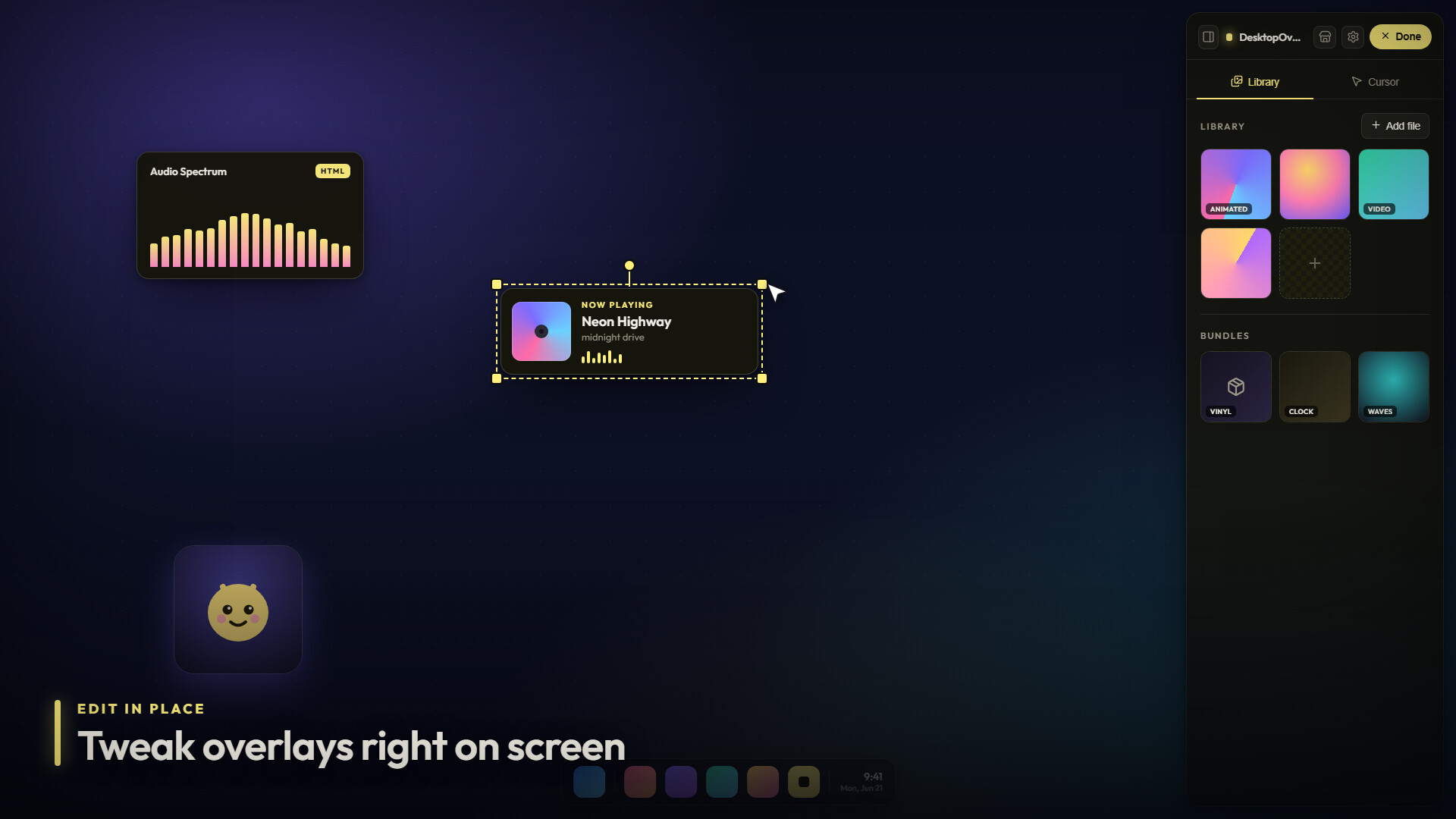
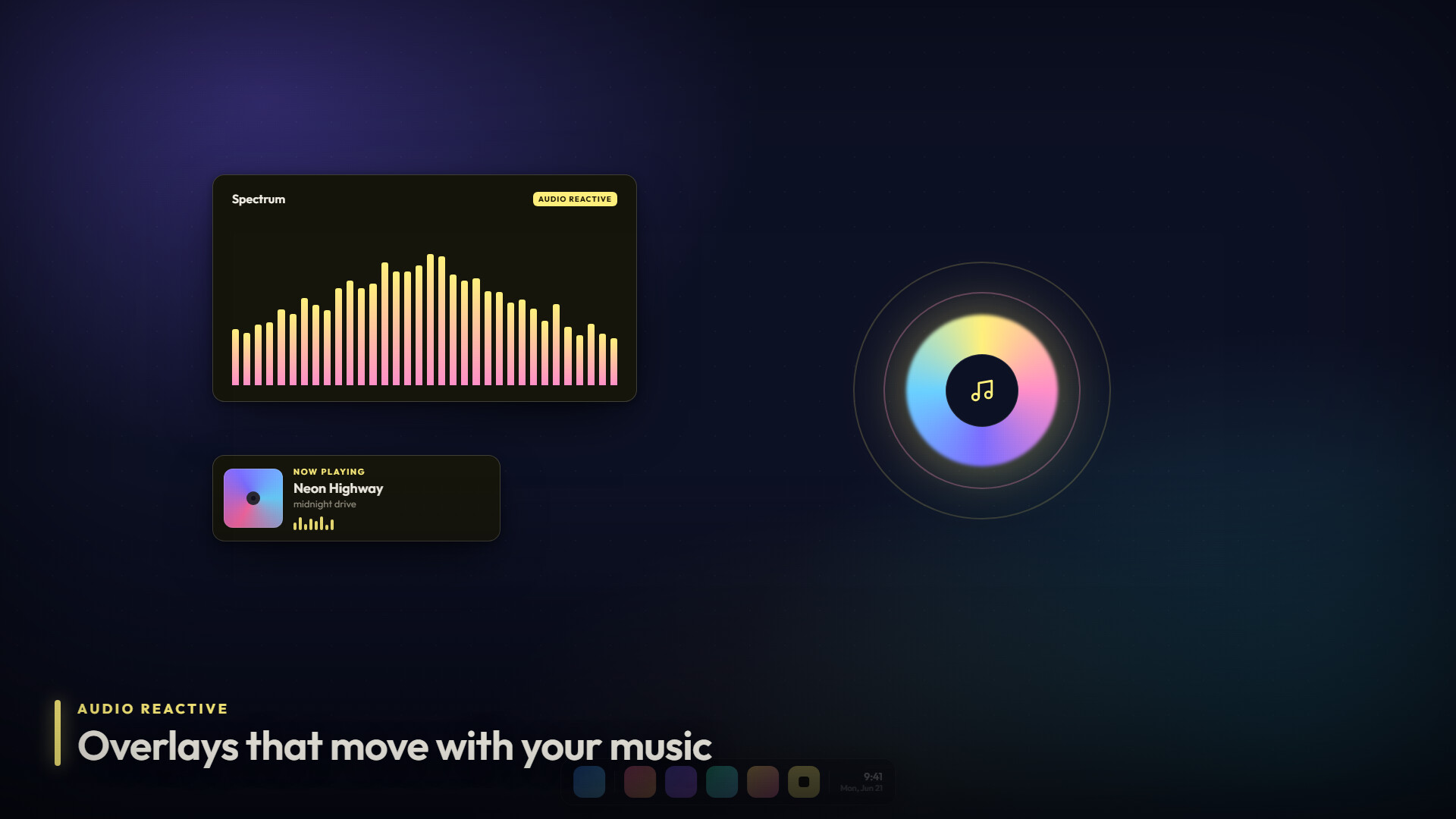
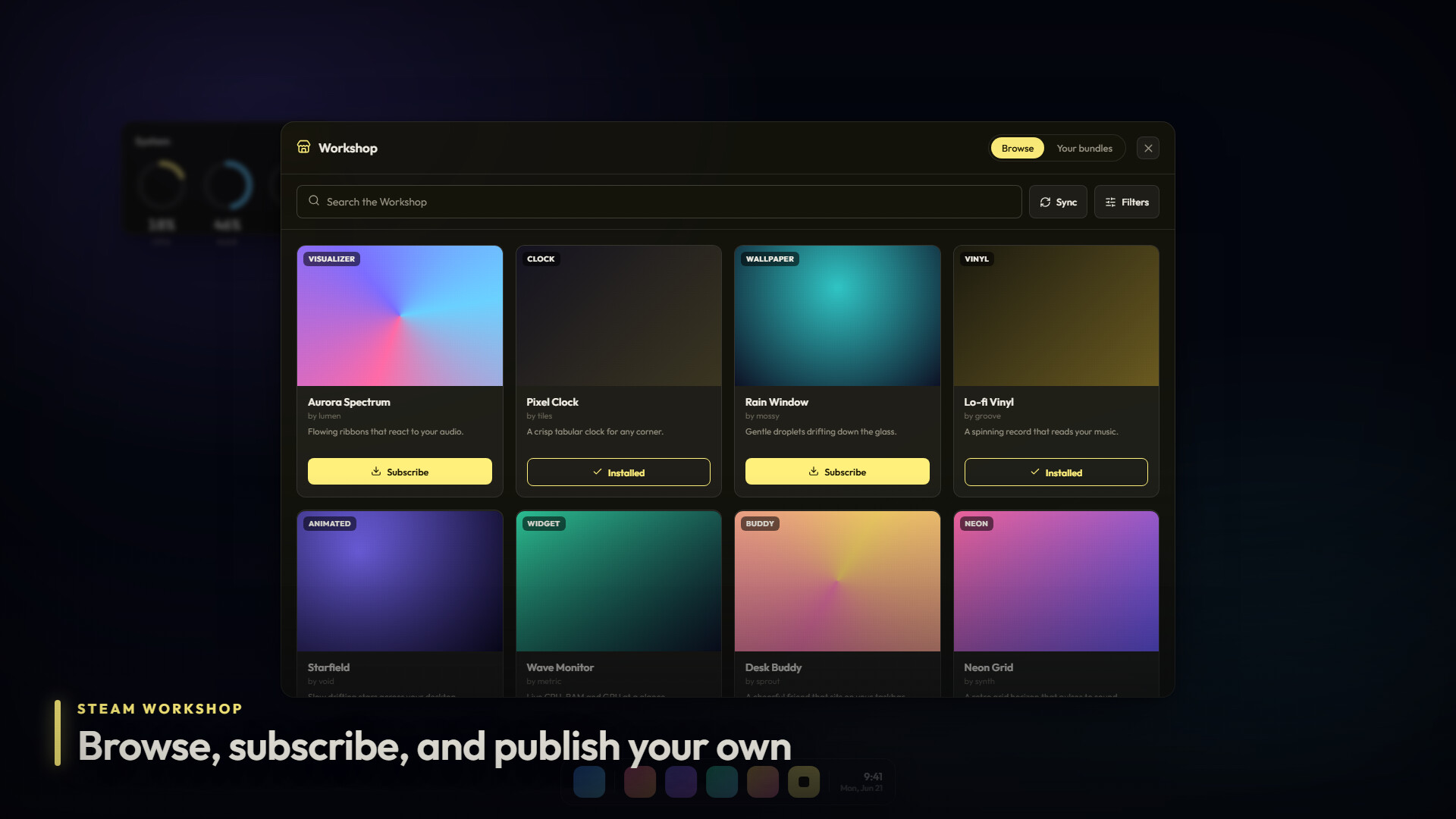
DesktopOverlays Your desktop is the screen you stare at all day, so why does it have to be boring? DesktopOverlays lets you put whatever you want on top of it. A looping GIF in the corner, a video that reacts to your music, a little buddy that sits on the edge of your game window. You place it, you size it, you forget the editor exists. It just lives there. Put anything, anywhere Drag images, GIFs, and videos straight onto your screen. Move them, scale them, rotate them, fade them, stack them however you like. Got more than one monitor? Each display gets its own set of overlays, so you can go wild on one and keep another clean. No clunky editor window Editing happens right on the overlay itself. Flip on edit mode, grab the thing, and drop it where it belongs. When you are done, it gets out of the way and lets you work or play. Pin overlays to your apps This is the fun part. Stick an overlay to a specific app window and it follows that window around as you move and resize it. It only shows up when the app is open, and you can set it to appear only when the app goes fullscreen. Perfect for a webcam frame on your game, a logo on your stream, or a reminder that only pops up when a certain program is running. Cursor effects Give your mouse some personality. Pick from a ribbon trail, sparkles, ripples, or floating bubbles, then tune the color, size, and amount. Want sparkles shaped like hearts or diamonds? Done. Want the whole thing cycling through a rainbow? Also done. Clean backgrounds in one click Got an image with an ugly background? Built in background removal cuts it out for you, with a model for regular photos and a separate one tuned for anime and illustrations. Drop in a character, remove the background, and it sits cleanly on your desktop. Reacts to your sound and your music Overlays can listen to whatever is playing on your PC and move with it. They can also read your "now playing" info, so an overlay can show the current track, artist, and album art straight from Spotify, your browser, or any media app. Build it yourself, or grab one from the Workshop DesktopOverlays comes with a bundle format for HTML based overlays. Visualizers, animated wallpapers, clocks, widgets, anything you can build with web tech runs in a safe sandbox with its own settings panel. Browse the Steam Workshop to find creations from other people, subscribe with one click, and publish your own for everyone else. There is also a developer mode that hot reloads your bundle straight from a folder while you build. Made for Windows Multi monitor aware, light on resources, and tucked into your system tray. Set it to launch at startup and your desktop is ready the moment you log in.
Системные требования
Windows (мин.)
Минимальные: ОС: Windows 10 Процессор: Intel Pentium Gold G5400 / AMD Athlon 3000G or equivalent Оперативная память: 150 MB ОЗУ Место на диске: 2 GB
Windows (реком.)
Рекомендованные: ОС: Windows 11 Процессор: Intel Core i5-6400 / AMD Ryzen 3 1200 or equivalent Оперативная память: 350 MB ОЗУ Сеть: Широкополосное подключение к интернету Место на диске: 4 GB
Мастерская SteamС редактором уровней